Conference Setup
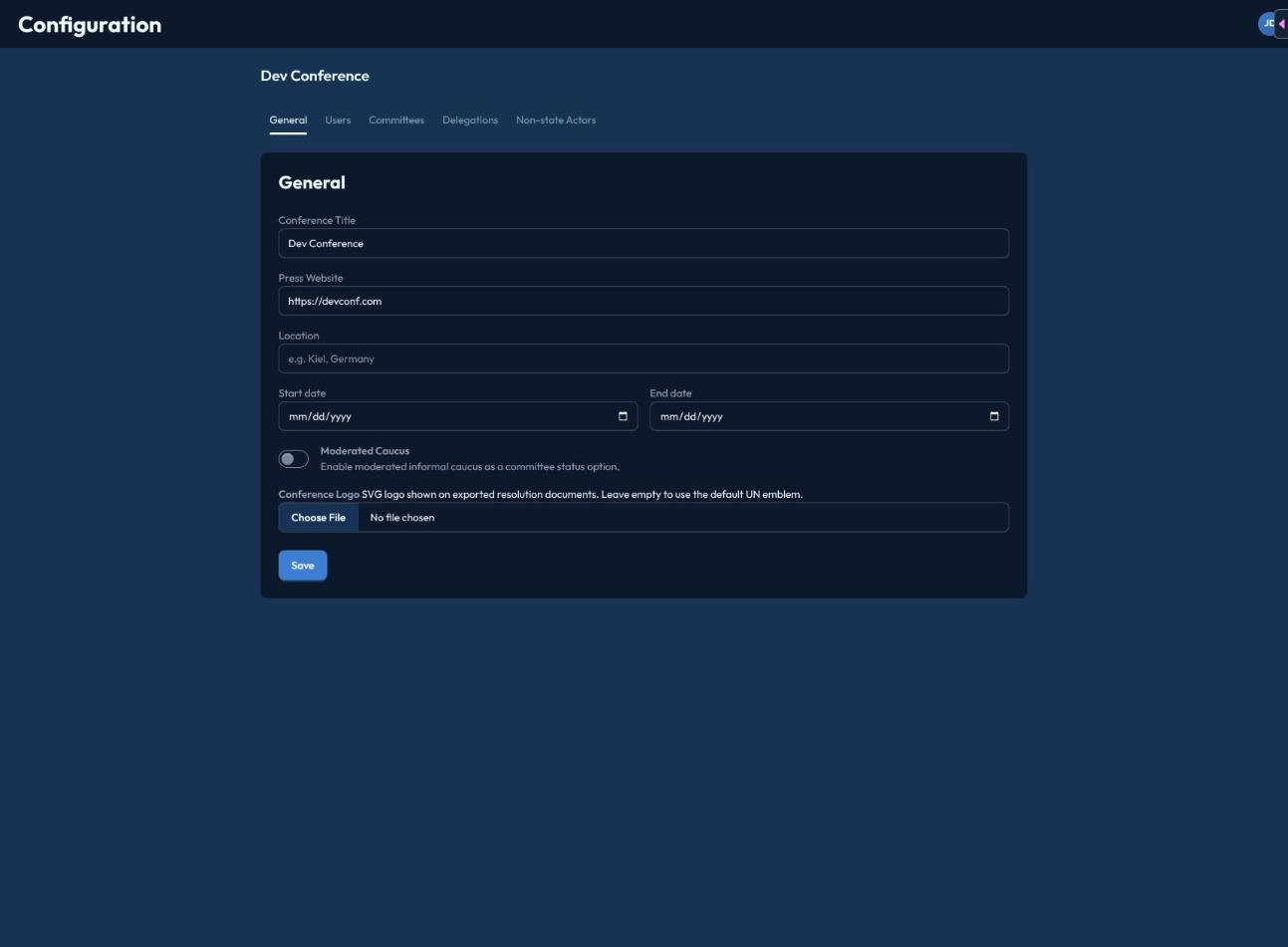
The General tab in Mission Control's Configuration covers everything that applies to the whole conference:
- Conference Title
- Press Website — an optional public URL for the conference.
- Location
- Start Date / End Date
- Moderated Caucus — toggle whether committees can use the Moderated Informal Caucus status. When off, chairs only get Formal Debate, Informal Caucus, Pause, and Suspension as status options.
- Conference Logo — upload an SVG (up to 512KB), shown with a live preview; remove it any time.
Click Save to apply changes — there's no separate publish/draft state, changes take effect immediately.
note
This is the only conference-wide feature toggle in CHASE today. There's no separate switch for the resolutions feature or AI assistance — resolutions are simply available wherever a committee has papers, and AI assistance is a preference each individual user sets for themselves (see the chair docs' AI Assistance page).