Importing from DELEGATOR
New conferences in CHASE go through the same wizard, whether you're pulling data from MUNify DELEGATOR (the sister registration product) or starting from nothing. This requires Global Admin access.
Starting the wizard
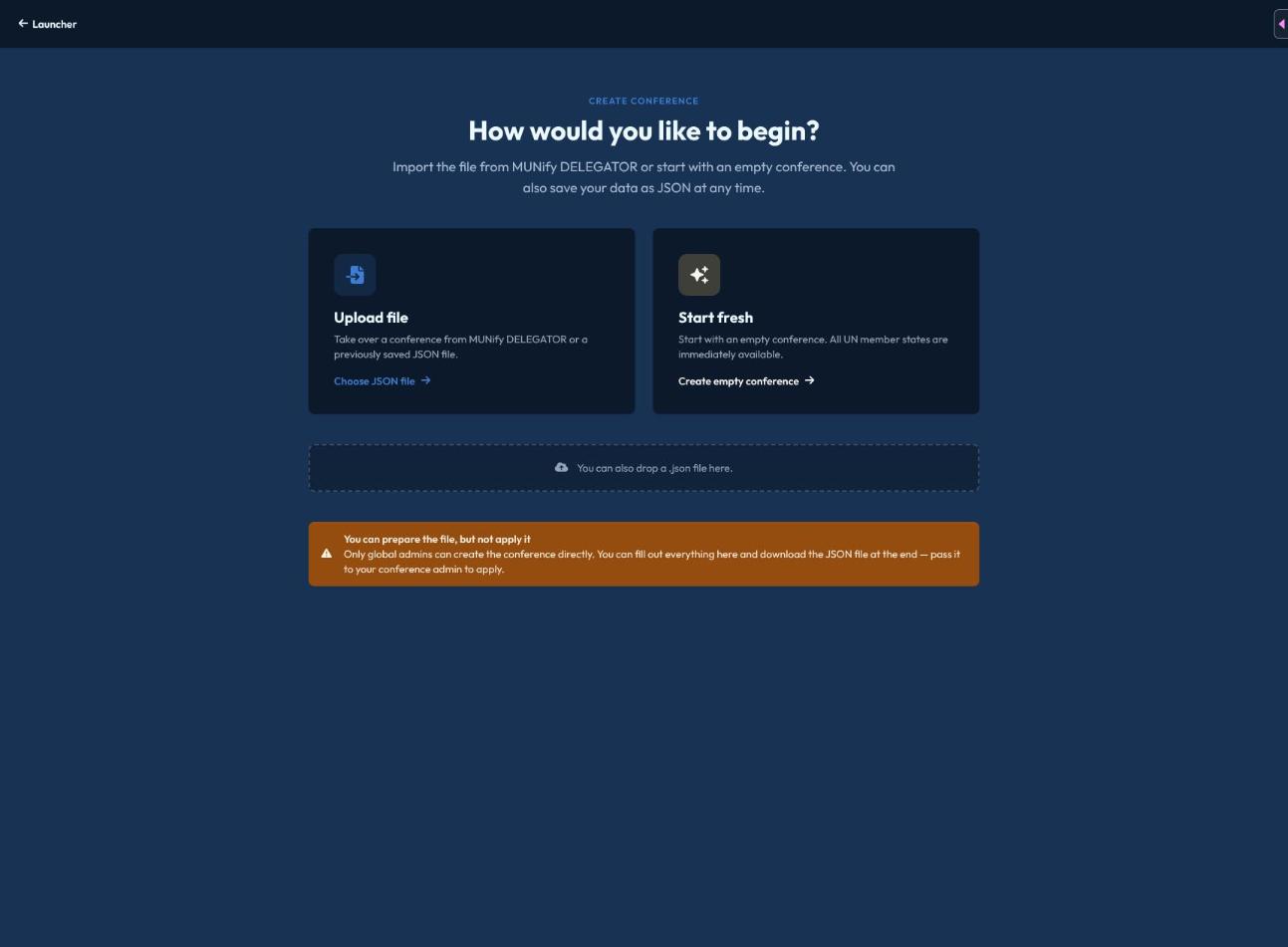
From the launcher, open Import. You'll choose between:
- Upload file — a DELEGATOR JSON export, or a previously saved JSON file (drag-and-drop or file picker).
- Start fresh — a blank template where every UN member state is immediately available as a potential delegation, ready to trim down and configure by hand.
Steps
- What is your conference called? — title, start/end date, location.
- Committees — create your committees.
- Delegations — review imported delegations, or use the same bulk country-code adder used in Mission Control to assign delegations to specific committees.
- Other actors — non-state actors and UN actors.
- Edit — a validation summary flags anything missing (e.g. no title, no committees, incomplete committee data) before you can finish, with a link to jump straight to the step that needs fixing.
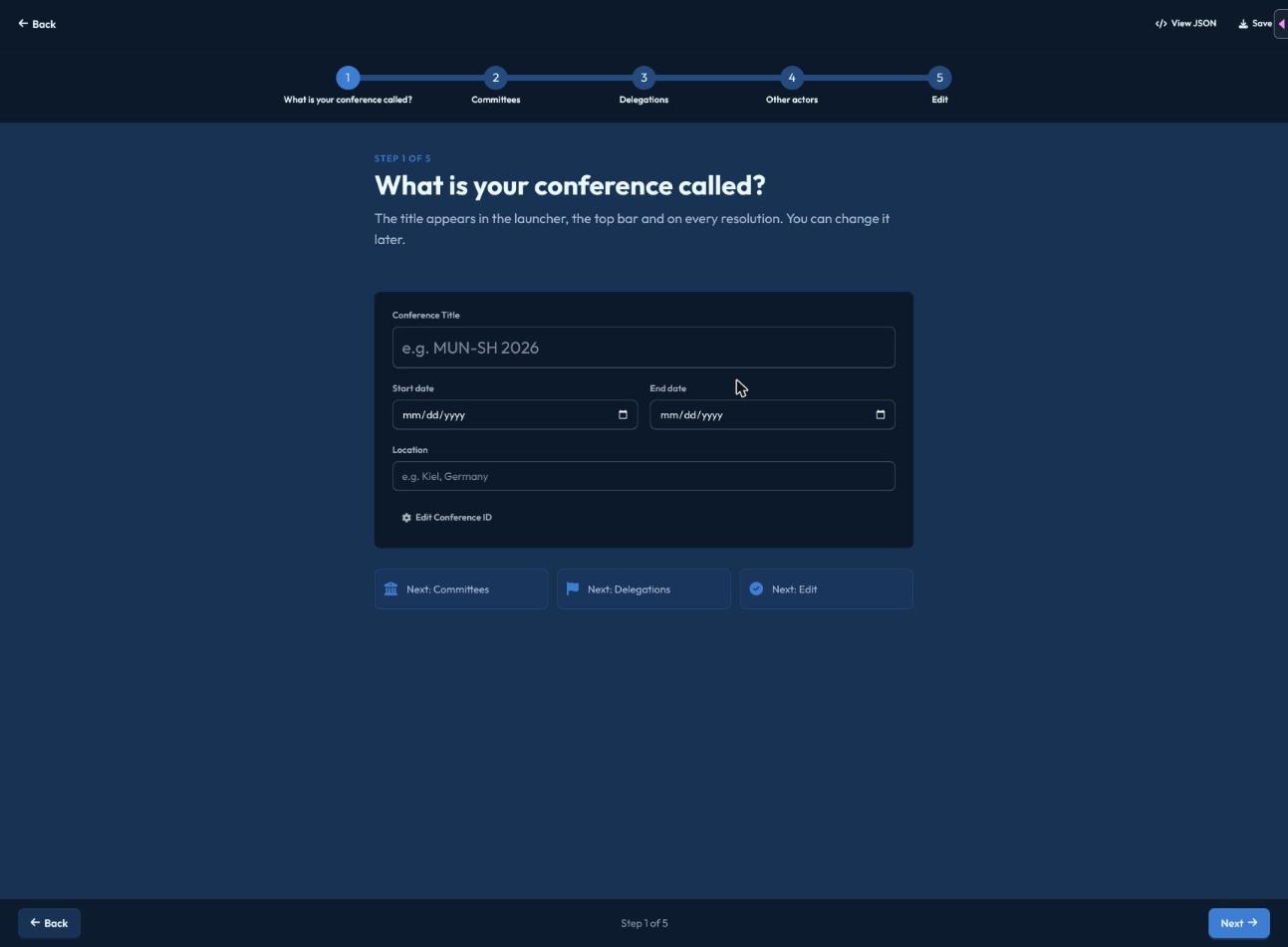
You can jump between completed steps at any time using the step bar at the top or the "Next: ..." quick-jump buttons, and a View JSON panel lets you inspect (or download) the raw import data as you go — handy for saving your progress or debugging an import that isn't behaving as expected.
Finishing
From the final Edit step, save to create the conference — you're taken straight to the launcher, where your new conference now appears. If you're not a Global Admin, you can still fill out the whole form and download the JSON file at the end to hand off to someone who can apply it.